

Latest Version
VIDEO EDITOR PTE. LTD.
Media
iOS
Free
530957474
Report a Problem
More About Collage Maker - LiveCollage
The Challenge of Modern Visual Storytelling
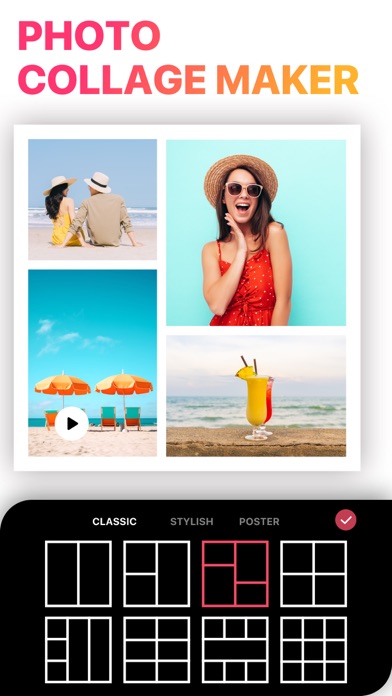
In an era dominated by rapid-fire social sharing, static, single-photo posts often fail to capture the full depth of our experiences. Whether you are documenting a weekend getaway, a milestone celebration, or launching a new product line, a single frame rarely tells the complete story. Collage Maker - LiveCollage photo editor solves this modern dilemma by providing an expansive, intuitive canvas where users can seamlessly merge multiple memories, videos, and artistic elements into cohesive visual narratives.
Comprehensive Layout Options and Customization
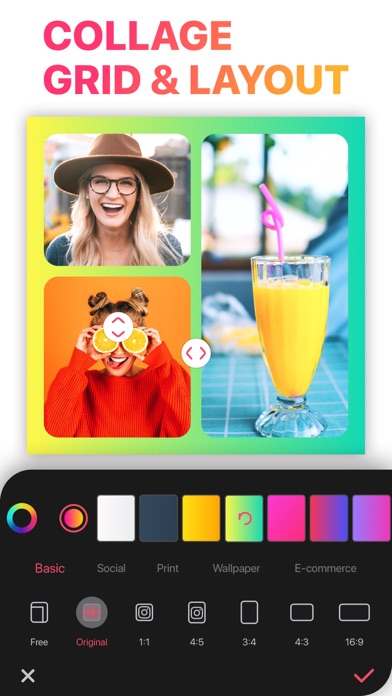
At its core, this application is designed to remove the technical hurdles of graphic design. With a vast array of structural templates and free-form styles, users can arrange their media exactly how they envision it. Key layout features include:
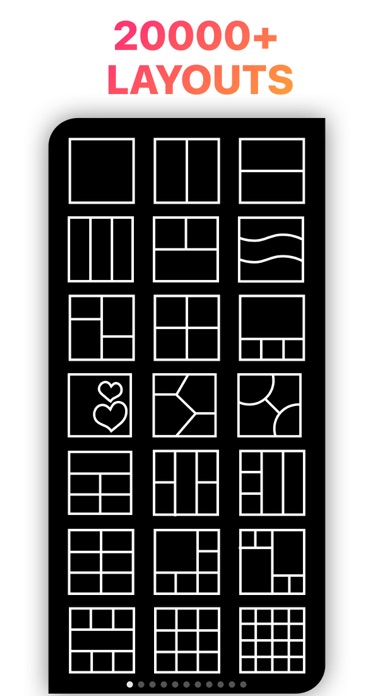
- Expansive Grid Selection: Access to over 20,000 stylish layouts across various shapes, sizes, and aesthetic styles.
- Multi-Photo Remixing: Combine anywhere from 2 to over 64 photos and videos into a single, high-impact presentation.
- Seamless Instagram Carousels: Create layered, continuous photo collages that span multiple frames for a fluid scrolling experience.
- Stitch Mode: Merge up to 16 pictures vertically or horizontally to create long, continuous storyboards.
Integrated AI and Advanced Editing Tools
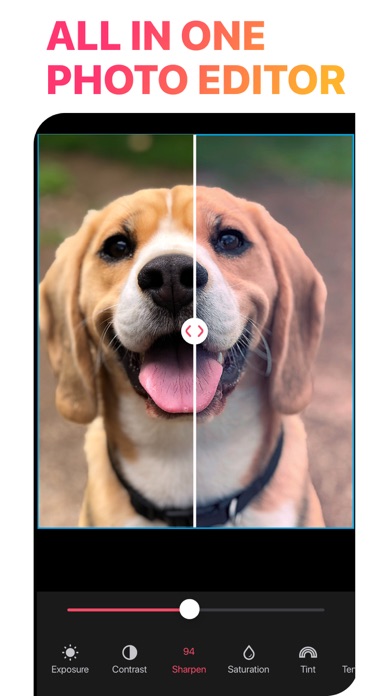
Beyond simple structural arrangements, Collage Maker - LiveCollage photo editor incorporates sophisticated utility suites that elevate standard mobile photography. The integrated tools allow for precise adjustments without requiring separate desktop software.
AI-Driven Enhancements
The platform features built-in artificial intelligence designed to streamline tedious editing tasks. Users can instantly isolate subjects with the automatic background eraser, remove unwanted objects, cartoonify portraits, or apply artistic filters modeled after historic art movements like cubism and impressionism.
Precision Typography and Decoration
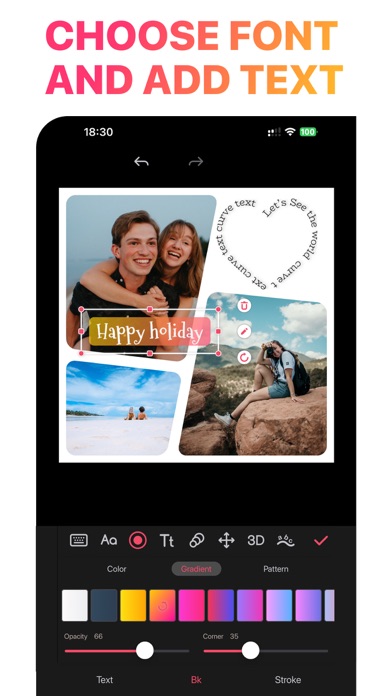
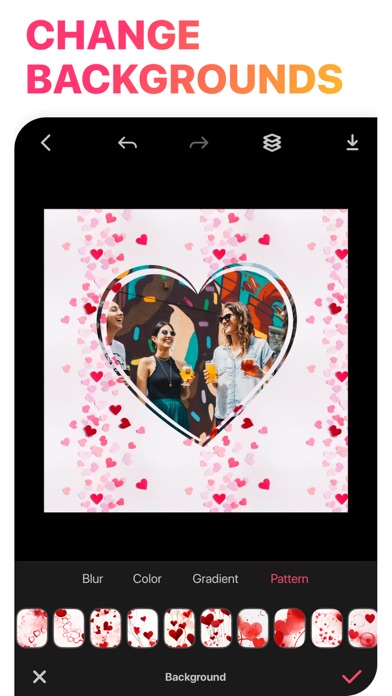
To personalize layouts, the application offers an extensive library of over 100 typography styles, including 3D and curved text configurations. Additionally, thousands of curated backgrounds, gradient patterns, and thematic stickers are available to match any occasion, from formal weddings to casual daily updates.
Who is This Creative Suite For?
This software caters to a broad demographic of digital creators. Social media managers will appreciate the pre-configured aspect ratios tailored for platforms like Facebook, Twitter, and custom device wallpapers. Meanwhile, casual users can easily design personalized greeting cards, digital scrapbooks, and family slideshows utilizing the built-in video editor, which supports trimming, speed adjustments, and music integration.
Our Editorial Verdict
Collage Maker - LiveCollage photo editor stands out as a highly versatile, all-in-one media workshop for iOS users. By combining powerful AI utilities, robust video editing capabilities, and an unprecedented library of layout templates, it successfully eliminates the need to jump between multiple creative apps. To explore its full potential and begin designing your own layouts, visit the official iOS App Store to learn more.
Rate the App
User Reviews
Other Apps in This Category


Popular Apps










Editor's Choice