
Latest Version
Belight Software, ltd
Mac
$19.99
1058362543
Report a Problem
More About Swift Publisher 5
The Challenge of Professional Desktop Publishing on Mac
Creating polished print materials often feels like a choice between overly simplistic word processors or prohibitively expensive, complex design suites. For many Mac users, finding that middle ground—where professional-grade design meets an intuitive user interface—is a constant struggle. Whether you need to whip up an emergency batch of business cards, draft a community newsletter, or design custom product packaging, you need a tool that delivers high-end results without a steep learning curve.
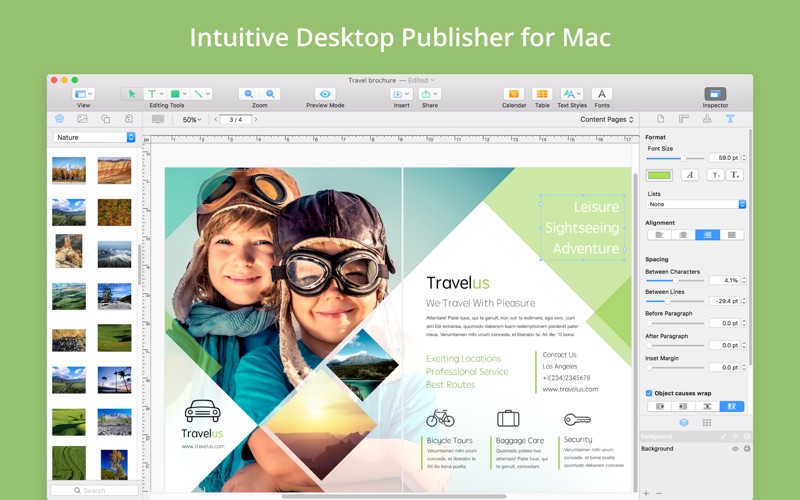
Swift Publisher 5 Mac page layout software by Belight Software, Ltd. addresses this exact dilemma. Built specifically for macOS, this versatile desktop publishing application bridges the gap, allowing everyday users and creative professionals alike to produce stunning visual documents with ease.
What is Swift Publisher 5 Mac Page Layout Software?
At its core, this software is an all-purpose design hub. It streamlines the creation of everything from multi-page documents to tiny adhesive labels. Instead of starting from scratch, users can leverage a massive library of assets and structured grids to arrange text, shapes, and images into cohesive, print-ready formats.
Key Design and Layout Features
- Advanced Page Management: View and edit your projects using two-page spreads. Master pages allow you to quickly set up recurring elements like headers, footers, and page numbers across your entire document.
- Sophisticated Text Flow: Create complex, multi-column layouts with text boxes that flow naturally from one to another. The software also supports circular, vertical, and wrapped text path options.
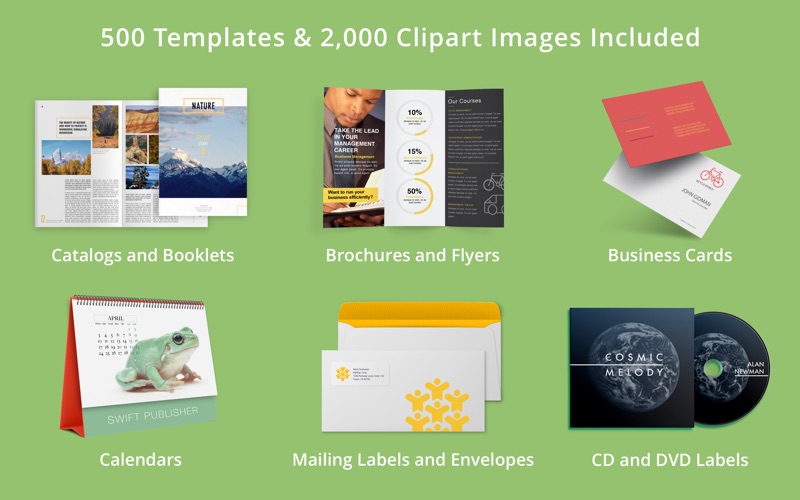
- Rich Graphic Assets: Access over 300 pre-designed templates, more than 2,000 clipart images, and integration with Depositphotos to elevate your visual storytelling.
- Precision Alignment Tools: Utilize unlimited layers, smart guides, customizable grids, and adjustable smart shapes to keep every design element perfectly aligned.
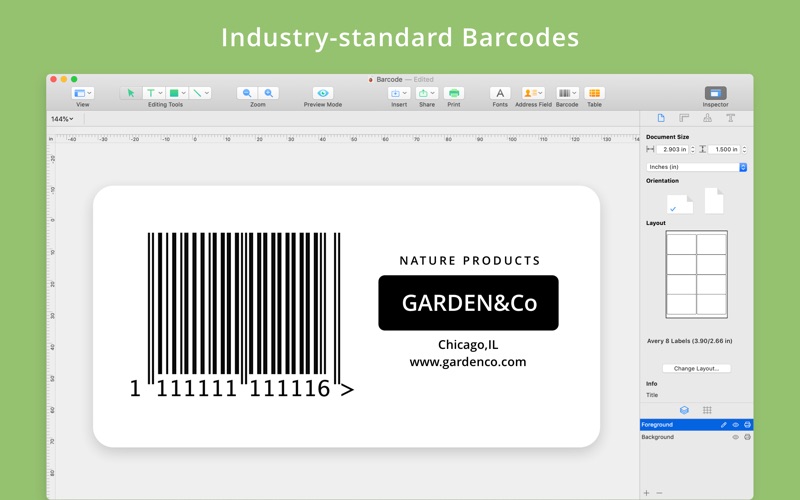
- Comprehensive Barcode Support: Generate standard barcodes, including QR codes, UPC-A/E, and Code 39, directly from embedded text files.
Who Benefits Most From This Publishing Tool?
This software is highly versatile, making it an excellent fit for several distinct audiences:
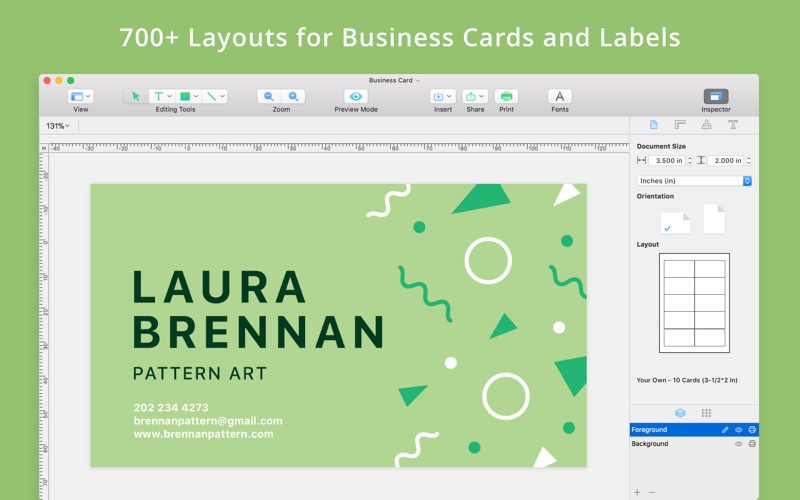
- Small Business Owners: Quickly design professional business cards, envelopes, shipping labels, and promotional flyers without outsourcing to expensive agencies.
- Community Organizers: Produce clean, multi-page newsletters, event posters, menus, and customizable calendars.
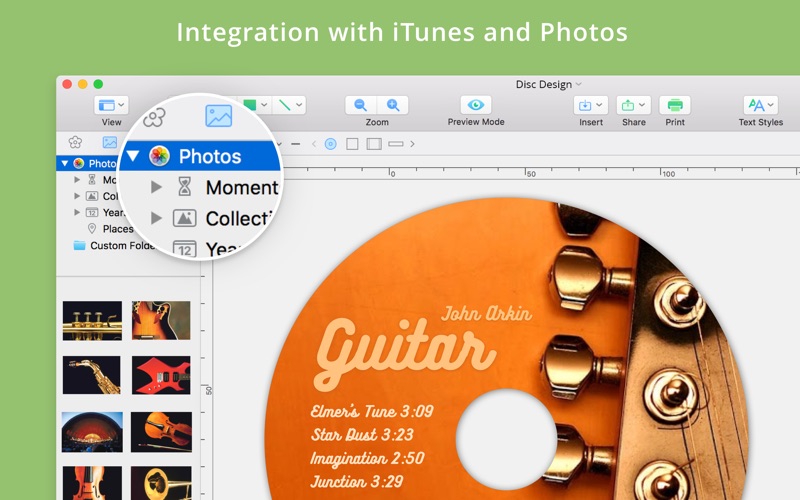
- Media Creators: Design matching CD/DVD labels, tray inserts, folding booklets, and presentation materials with direct-to-disc printing support.
Seamless Integration and Print Settings
What sets this application apart is how well it integrates with the macOS ecosystem. You can import contact lists directly from Apple Contacts to run mail merges for address labels, or pull images seamlessly from your system Photos folder. When your project is complete, exporting is highly flexible. The software supports industry-standard formats including TIFF, JPEG, EPS, and PDF, allowing you to set precise document bleeds and DPI targets to ensure your physical prints look exactly as sharp as they do on screen.
Our Editorial Verdict
If you need an efficient, dependable, and feature-rich design platform on macOS, Swift Publisher 5 Mac page layout software stands out as a top-tier contender. It successfully removes the friction from desktop publishing, turning complex design tasks into straightforward, enjoyable projects. To explore this layout tool further and add it to your creative toolkit, head over to the official Mac App Store to get started.
Rate the App
User Reviews

Popular Apps










Editor's Choice